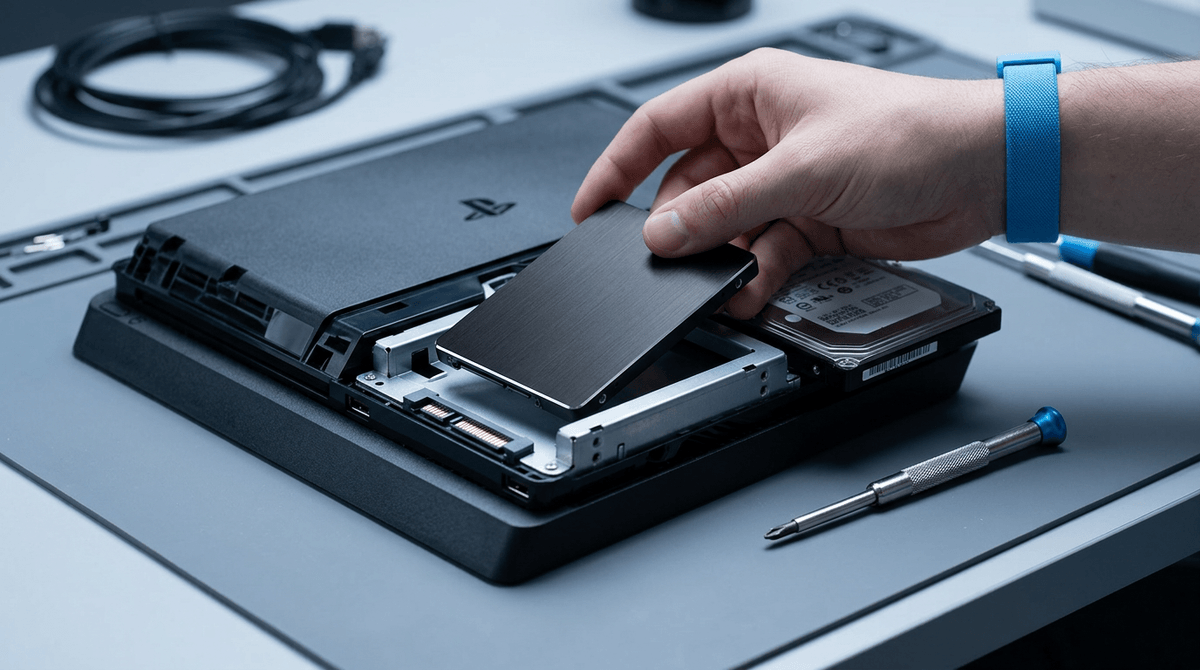
The internet says you’re bottlenecked—are you, though?
You load a game, see choppy frametimes, and within minutes someone online tells you the problem: “CPU bottleneck,” “GPU bottleneck,” “RAM bottleneck.” It sounds certain, but it usually skips the only details that matter—what game, what resolution, what settings, and what the stutter actually looks like. A 1440p ultra shooter can stress a PC in a totally different way than a 1080p competitive title with low settings.
The catch is cost. If you buy the “obvious” part without reading the symptom correctly, you can spend hundreds and keep the same hitching. The fastest way to avoid that is to start from what you’re seeing on screen, not what you want to buy.
Start with the symptom, not the part you want
You’re about to click “buy” on a GPU because your average FPS looks low, but the game feels bad in a different way: little hitches when you turn, big spikes when you enter a new area, or a steady “judder” even when the FPS counter says 120. Those are different symptoms, and they point to different limits. A clean, consistent low FPS often means the GPU is simply out of runway at your resolution and settings. Short, repeatable stutters during asset loads can show up even on high-end cards if the game is pulling in shaders or textures from a slow drive, or if you’re running out of VRAM and forcing swaps.
Make it concrete before you shop: what game, where does it happen, and what changes it? Drop resolution or use DLSS/FSR—if performance jumps, you’re likely GPU-bound. Lower crowd/physics settings—if the frametime spikes calm down, the CPU side may be the limiter. The annoying part is time: testing takes 15 minutes, but it can save you $500 and a week of regret.
Myth 1: A bigger GPU always fixes stutter
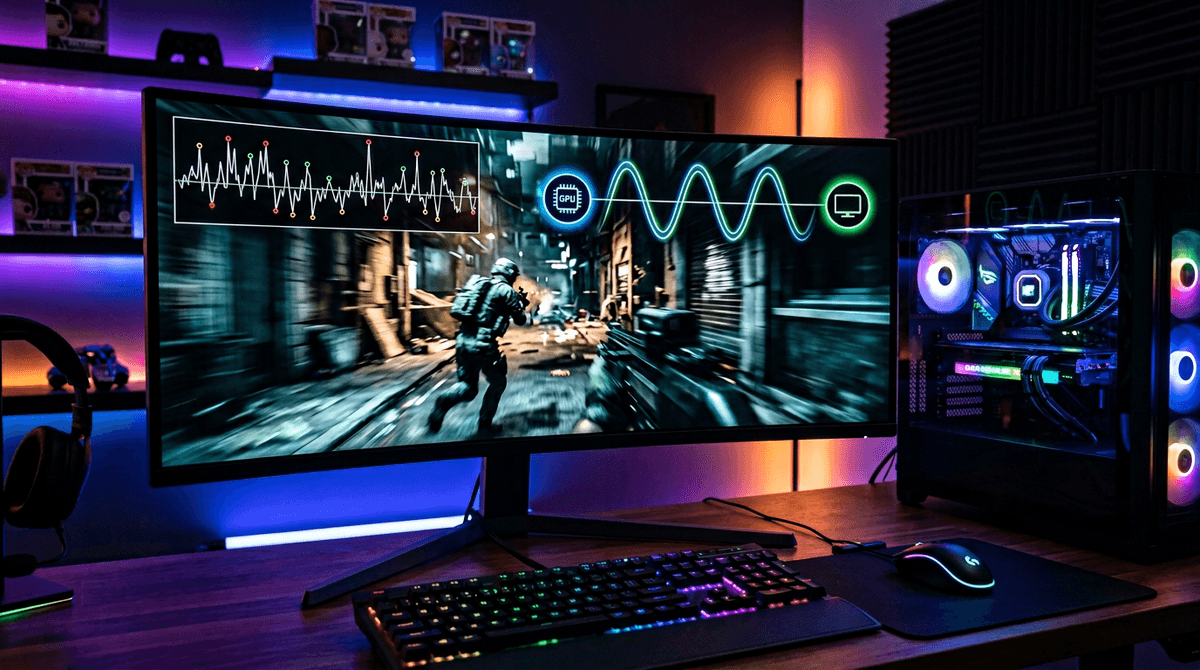
You swap in a faster GPU, the average FPS climbs, and the game still hitches when you spin the camera or enter a new area. That’s the moment the “just buy more GPU” rule falls apart. Stutter is usually a timing problem, not a raw horsepower problem. If the CPU can’t feed frames fast enough, if shader compilation is happening mid-match, or if the game is streaming textures from a struggling drive, a bigger card can sit there waiting while the frametime graph spikes anyway.
A quick sanity check: cap the frame rate (or turn on a sane V-Sync/G-Sync setup) and watch how it feels. If the stutter barely changes, it wasn’t “too few GPU frames” in the first place. Also keep an eye on VRAM. In some newer games, a card that’s fast but has too little VRAM will stutter from swapping, even at 1080p with high textures.
The hard part is that fixing stutter can cost time instead of money: driver cleanup, shader cache rebuilds, game patches, and settings testing. Once you know which kind of stutter you have, the CPU-side myths start to look a lot less convincing.
Myth 2: More CPU cores automatically means more FPS
You open a CPU review, see a 16-core chip at the top of a chart, and assume that more cores must mean more FPS. Then you drop it into your build and a lot of your games barely move. That’s common because most games still lean hardest on a few fast cores, plus cache and memory latency. If the main game thread can’t finish its work quickly, extra unused cores don’t rescue the frame pacing.
You’ll feel this most in “CPU-heavy” moments: crowded towns, big firefights with lots of AI, high-refresh 1080p, or when you’re streaming and running a bunch of background apps. In those cases, higher clocks and stronger per-core performance can beat a cheaper many-core part.
The annoying part is cost and fit: a core-heavy upgrade can also mean a new motherboard, more heat, and louder cooling. The smarter move is matching the CPU you buy to the way you actually play.
Myth 3: Fast RAM is a universal performance hack
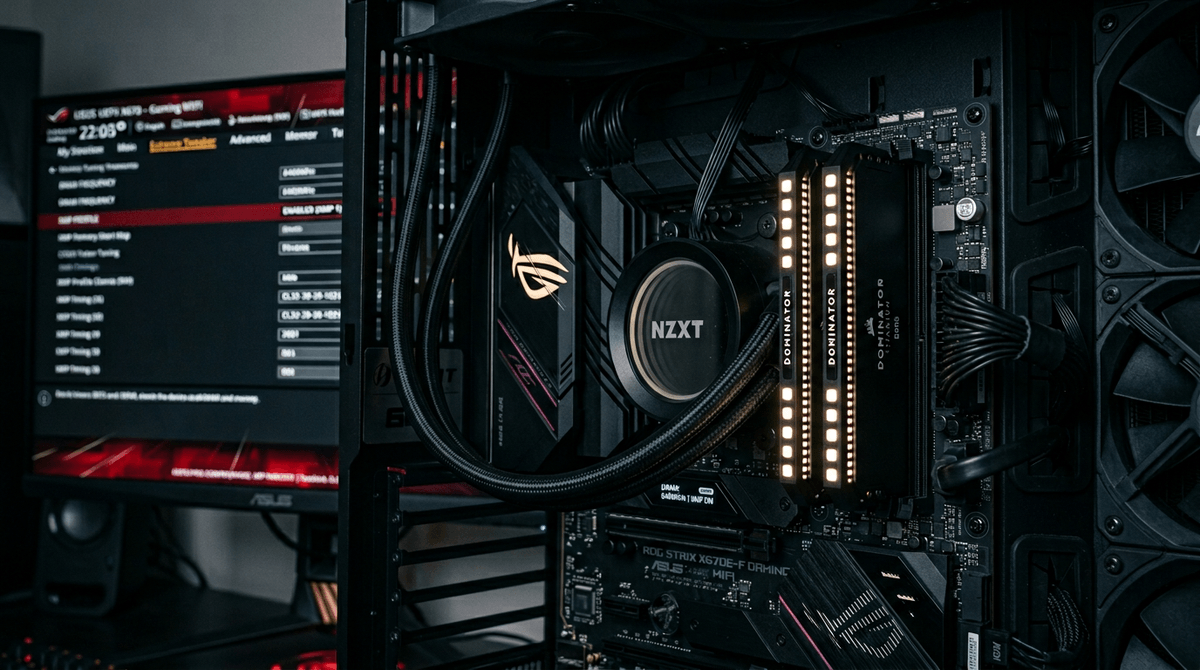
You watch a benchmark where faster RAM adds FPS, then it’s easy to believe memory speed is the cleanest upgrade: swap sticks, flip XMP/EXPO, done. In real play, the gain often shows up only when you’re already CPU-limited—think 1080p competitive settings, or busy scenes where the GPU isn’t the one sweating. At 1440p/4K with high settings, the GPU usually dominates, and “faster RAM” can turn into a single-digit change you’ll never feel.
Latency matters as much as the headline MHz, and the platform matters too. DDR5-6000 that’s great on one Ryzen setup can be fussy on another, and pushing unstable memory doesn’t always crash right away—it can look like random stutter, game errors, or a PC that “sometimes” reboots. There’s also the boring limiter: if you’re at 16GB and the game plus Discord plus a browser pushes you into paging, more speed won’t fix the hitching. Capacity and stability come first; then you tune.
Myth 4: Any PSU is fine if watts look enough
You buy a “750W” power supply because the box says it covers your GPU, then the PC restarts mid-match, black-screens when you alt-tab, or throws random driver crashes you can’t reproduce on demand. That’s the ugly part about the “watts are watts” rule: the label doesn’t tell you how the unit handles fast power spikes, how clean the voltage stays under load, or how quickly protection kicks in when something goes wrong.
Modern GPUs can pull short bursts well above their average draw. A decent PSU absorbs that without flinching; a bargain unit can dip, trip, or cook itself slowly. The cost shows up later as troubleshooting time: swapping cables, reinstalling drivers, blaming the GPU, then finding out the power supply was the weak link.
Sanity-check with everyday signals: sudden shutdowns under heavy GPU load, coil whine that changes with FPS, or crashes that vanish when you cap frames. Then match the PSU to the build: quality platform, the right connectors, and headroom for spikes—not just a bigger number.
Your next upgrade should match your personal bottleneck
You’re not buying “the best part.” You’re buying the part that fixes the thing you actually feel: low average FPS at your settings, frametime spikes in specific spots, crashes under load, or slowdowns the moment you add background apps. If dropping resolution helps a lot, you’ll get real value from a GPU. If crowded scenes or high-refresh 1080p feel uneven, CPU-side strength (and sometimes RAM tuning) matters more. If the PC hard-resets, stop shopping for speed and fix power first.
The mental shift is simple: spend your time proving the limiter before you spend your money. A few targeted tests beat a hundred confident comments, and they point cleanly to the next upgrade that won’t disappoint.