Old-school radio on your phone, without subscribing
You open your phone hoping for that old-school “turn it on and see what’s on” feel—music you didn’t pick, DJs who talk like real people, and a quick switch when a song drags. Free radio apps can deliver that, but they’re uneven in the ways that matter day to day: some have great station lists but drop streams, others bury the play button under pop-ups, and a few turn every tap into an ad break. The goal isn’t “best app.” It’s the right kind of radio experience for how you actually listen.
The first fork is simple: are you trying to recreate your hometown dial, or do you want the freedom to roam across cities and countries? That one choice determines which free apps feel effortless—and which will feel like fighting the interface.
Do you want local familiar stations or global roaming?
You’re standing in line, you want something familiar, and you reach for the station you already know. In that moment, “local” really means two things: a clean list of nearby AM/FM stations and a simple way to jump between them without hunting through categories. If the app makes you search by call letters every time, it won’t feel like radio. The catch is that “local” on a phone is usually a station’s internet stream, so delays, blackout rules for certain shows, or a flaky connection can change what you hear.
Other days you want the opposite: spin the dial past your city and land on a genre or a country you never listen to. That’s where global apps win, but the cost is clutter—huge catalogs, duplicates, and stations with inconsistent audio quality. Decide which annoyance you’d rather live with: a smaller, familiar dial, or a bigger one that takes work to tame.
Meet the five free apps and their best-fit listeners
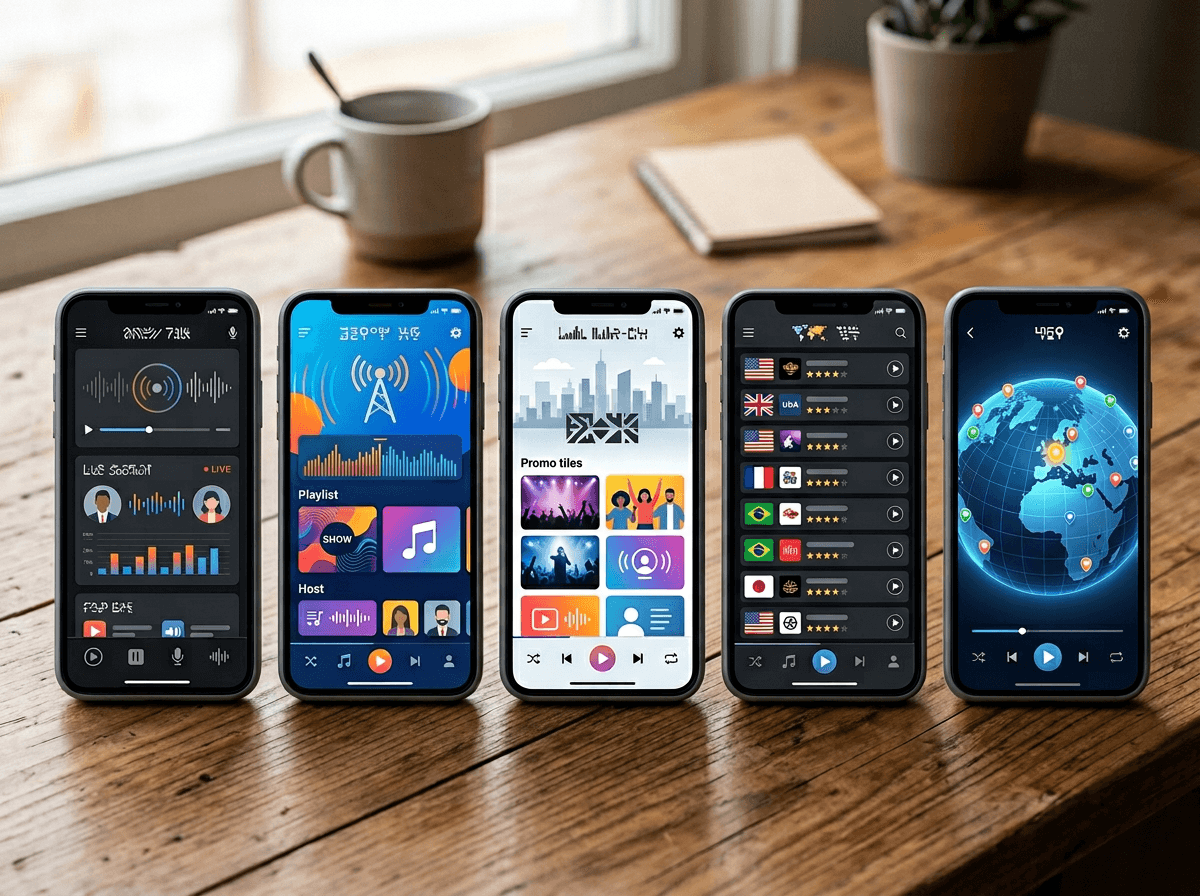
You download a “free radio” app and, within a minute, you can usually tell what it’s built for: a tight local dial, a giant directory, or a feed that keeps nudging you toward podcasts and accounts. To keep that first impression from wasting your time, here are five common picks and the listener they fit best—assuming you want usable free listening, not a trial that turns into a subscription chase.
TuneIn Radio fits talk/news/sports dabblers who want breadth, but expect frequent upgrade prompts and some marquee content gated. iHeartRadioAudacymyTuner RadioRadio Garden
Pick two based on your default mood—familiar or wandering—and you’ll narrow the clutter before you even hit search.
If hometown radio is the goal, start here
You’re trying to get back to “99.7 in the car” with as few taps as possible. If that’s the goal, start by checking whether the app surfaces nearby stations immediately—by location, by market, or at least with a clean “Local” tab. iHeartRadio and Audacy usually feel closest to that commercial U.S. dial experience because they center big-market station brands and make it easy to bounce between them. TuneIn can work too, but it often feels like a directory first, radio second.
Before you commit, do one quick test: search for three stations you actually know (a music FM, an AM talker, and your local public radio). If two of the three are missing or hard to find, uninstall and move on. Also expect a real-world annoyance: “local” streams can be delayed, and some shows may not match what you remember from over-the-air.
Once your favorites are playing reliably, the deciding factor becomes what you do when the station you want isn’t there.
When discovery is the point, pick your adventure
You’re bored with your usual presets, you tap “browse,” and suddenly the app either helps you wander—or dumps you into a messy directory. If your goal is discovery, pick based on how you like to explore: by topic or by place. myTuner and TuneIn lean “search and filter.” That works when you already know what you want to try (e.g., “’80s hits” or “Reggaeton”) and you’re willing to test a few streams to find one with clean audio.
Radio Garden is the opposite: it’s fast, visual roaming. You spin the globe, hit a city, and you’re listening in seconds. The downside is that it’s not built around a daily routine, so you may spend more time re-finding the good stations. iHeartRadio and Audacy can still surprise you, but their recommendations tend to steer you back toward their own networks and promos.
If you want to discover shows—especially talk, sports, or news—the free tier details start to matter.
Need talk, sports, or news—will free tiers deliver?
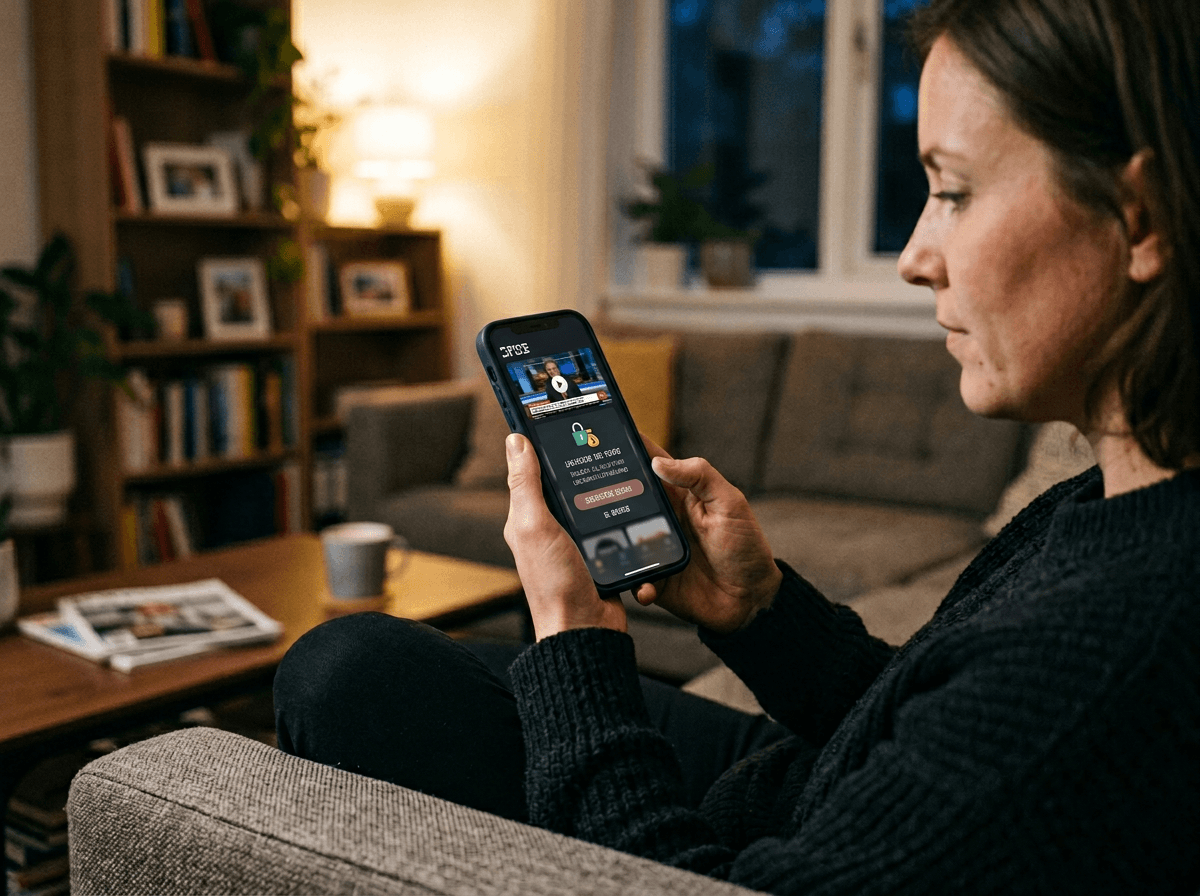
You tap a “news” station expecting the live feed, and the app gives you a clip, a podcast page, or a prompt to upgrade. That’s the free-tier reality for talk, sports, and headline programming: the stations may be listed, but what you can actually hear can change by market, rights, and time of day. If your must-have is live local talk (morning drive, call-in shows), Audacy and iHeartRadio tend to behave most like a normal dial because they center their owned-and-operated station streams. TuneIn often has the widest directory, but it’s also the most likely to route you into “premium” lanes for marquee sports or certain networks.
Sports is the toughest category. League and team rights can mean blackouts, geo-blocks, or “available on demand only,” even when the station itself exists. News is usually easier, but you’ll still hit friction: pre-roll ads that delay urgent updates, higher data use during long listening, and streams that drop when you switch between LTE and Wi‑Fi. If those limits would drive you crazy, your best “free” move is to keep two apps installed and treat them like backup radios.
Choose one tonight, then run a two-day reality check
You’ll know more in two days of real listening than in an hour of browsing reviews. Tonight, pick the app that matches your default goal (local: iHeartRadio or Audacy; roaming: myTuner or Radio Garden; mixed: TuneIn) and set up five presets or favorites immediately. Then run a simple reality check: two commutes and one longer session at home.
Pay attention to what actually breaks the experience—startup ads that feel endless, streams that drop when you leave Wi‑Fi, or a “premium” wall on the one show you wanted. If one app fails twice for the same reason, keep it uninstalled and keep a second app as your backup radio.