Your Pixel feels hot—should you worry yet?
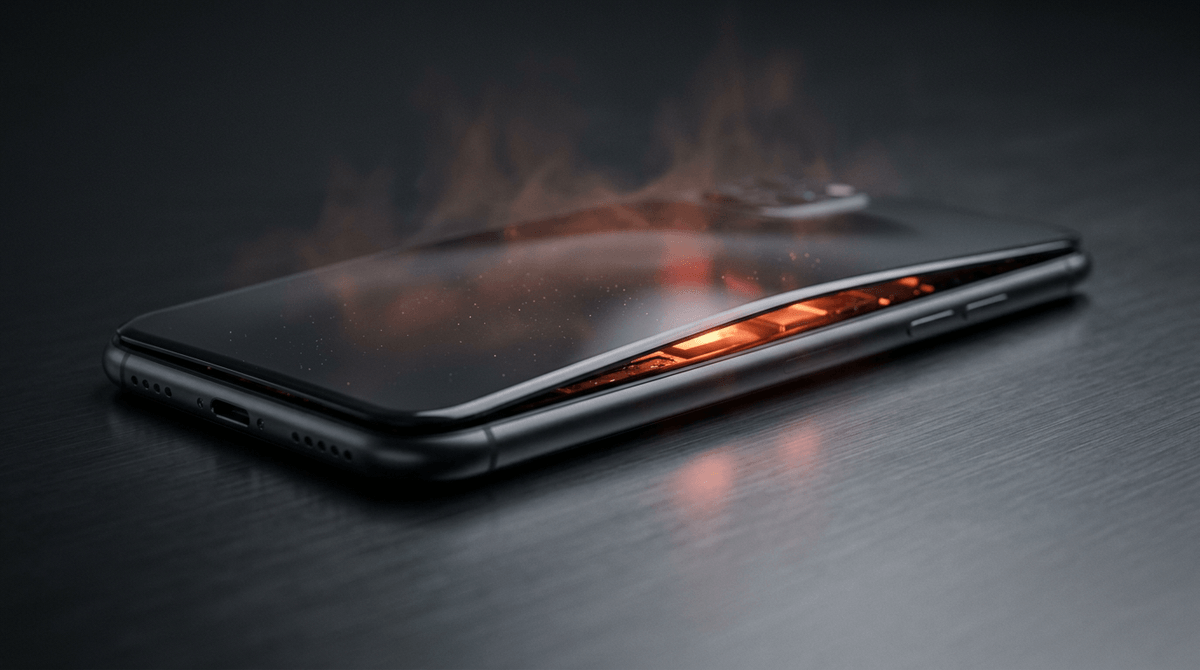
Your Pixel can feel hot after maps, video calls, a game, or sitting in the sun. That kind of warmth is common, and it usually fades when the workload drops or you move it to a cooler spot. The hard part is that early battery trouble can start the same way—heat that shows up faster, lasts longer, or arrives during simple tasks like texting.
A quick reality check helps: did the phone just charge, get dropped, or use a cheap cable or case that traps heat? Those details matter because charging and damage raise risk. The next step is knowing what “normal hot” looks like day to day.
What “normal hot” looks like in daily use
You’ll usually notice “normal hot” in bursts: the phone warms up while the camera is running, a game is open, Android is restoring apps, or you’re on 5G with weak signal. If you put it down for a few minutes, close the heavy app, or switch to Wi‑Fi, the temperature should drop and stay down. The screen may dim and the phone may slow a bit, but it keeps behaving normally.
Pay attention to where the heat is. Warmth near the top (by the camera) often tracks the processor doing work. Warmth that concentrates lower on the back, especially during light use, is less typical. Cases and car mounts can also make “normal” warmth feel worse by trapping heat, so test once with the case off.
If the phone repeatedly overheats during simple tasks, the question stops being performance and starts being battery health.
When heat becomes a battery warning, not performance
You notice it when the phone isn’t doing much: it’s sitting on the table, screen off, and the lower back still feels hot. Or it’s warm every time it charges, even with a basic task like email, and it stays hot long after you unplug. That pattern points less to the processor working hard and more to the battery struggling to accept or hold a charge.
Watch for heat paired with “battery-like” symptoms: a sudden drop from, say, 40% to 15%, unexpected shutdowns above 20%, charging that stalls for long stretches, or the phone refusing to charge with a temperature warning. A new chemical smell, faint crackling, or the back getting hot in one tight spot are stronger reasons to stop charging and stop using it.
The hard part is that software glitches and weak signal can also cause fast drain and warmth, so one bad day doesn’t prove a failure. Physical changes do, which is why the next thing to check is the body of the phone itself.
Swelling, screen lift, and odd gaps: is it dangerous?
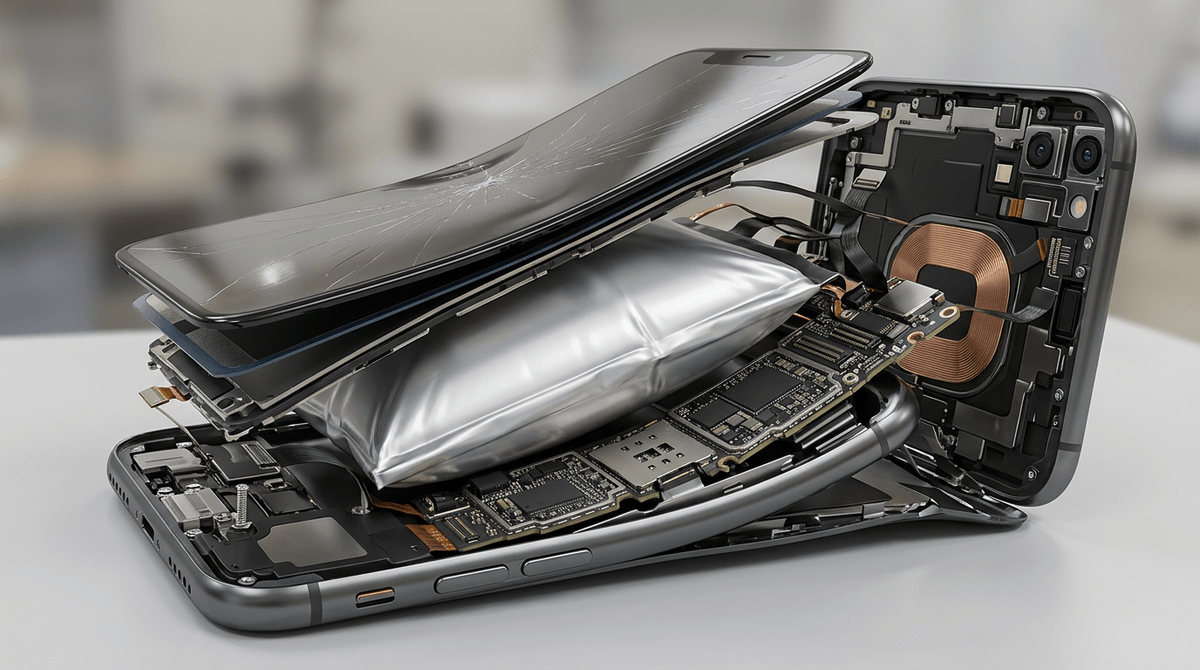
You usually notice this during something ordinary: the phone rocks on a flat table, the screen looks slightly lifted on one edge, or a seam that used to be tight now shows a thin, uneven gap. Those are not “cosmetic.” In a modern phone, the battery sits under constant pressure, so a change in shape often means the battery has started to swell.
Swelling raises the risk because it can damage the battery’s layers and push against parts that aren’t meant to flex. If the screen is lifting, the back is bulging, buttons feel stuck, or the phone won’t sit flat, treat it as a stop-and-hold situation: stop charging, avoid pressing on the bulge, and don’t try to “snap” the screen back down. Don’t puncture, clamp, or heat the phone to “fix” it—people try this, and it can turn a contained problem into a venting or fire event.
The most dangerous moment is often the next charge cycle, which is why charging needs its own rules.
Charging is the riskiest moment—what’s different now
You plug in at night, set the phone on a couch or bed, and forget about it. That’s the setup where a marginal battery gets pushed hardest: charging adds heat on purpose, and if the phone can’t shed that heat, the battery spends more time warm while it’s also under electrical stress.
What’s different during charging is the combination of current and chemistry. A healthy battery can absorb energy smoothly, but a degraded or swollen one can build heat in one spot, especially near the lower back. Faster charging can intensify this, and wireless charging adds another heat source because the coils warm up too. A thick case, a dusty USB-C port that causes a poor connection, or a cheap cable can keep the phone topping up in small bursts, which drags out the warm period instead of finishing cleanly.
Charging is also when you’ll see the clearest warnings: repeated “temperature too high” alerts, charging that stalls at a certain percent, or warmth that doesn’t drop after unplugging. If any of that pairs with a new gap or screen lift, don’t “try one more night” to see if it improves.
If you suspect failure: the safest next 30 minutes

You notice a new gap, a hot spot that won’t fade, or a sharp smell, and the instinct is to “just finish this charge.” Don’t. Unplug it gently (don’t yank a hot cable), stop wireless charging, and turn the phone fully off. If the screen is lifting or the back is bulging, don’t press it flat, don’t put it in your pocket, and don’t set it under a pillow or inside a drawer.
Set the phone on a nonflammable surface with space around it: a bare countertop, a ceramic plate, or inside a metal pot with the lid off. Keep it away from paper, bedding, and aerosol cans. If it’s actively hissing, crackling, smoking, or too hot to touch, don’t carry it through the house—move people away and call local emergency services.
In the calmer cases, your job is simply to keep it cool and untouched for 30 minutes. After that, you can plan a daylight trip to a repair shop or carrier store, because the next charge attempt is where “maybe fine” often becomes urgent.
Repair, replacement, or disposal—how to close the loop
You’ll usually end up choosing between a battery replacement, a full device replacement, or recycling. If the phone is still under warranty or you have Preferred Care, start with Google support and describe the physical signs (gap, lift, rocking) so the case isn’t treated like “overheating.” A good shop can replace a battery, but swollen phones sometimes need a screen too, which can make repair close to the price of a replacement.
If there’s swelling, smell, or a repeated hot spot, don’t mail it, don’t trade it in, and don’t toss it in the trash. Keep it powered off and take it to a certified repair center or a local battery/e-waste drop-off that accepts damaged lithium-ion devices. Call ahead—many retail counters will refuse a swollen phone at the door.